
Third Party Data Sharing
Carry clients who work with Lettuce Financial Labs, Inc. ("Lettuce") can opt in or out of sharing their financial account data through settings.
To get started go here, or:
Click on your profile icon in the top right
Click on Settings in the dropdown menu
Click on Security & Privacy on the top navigation bar
Under Third Party Data Sharing, enable or update your settings for Lettuce Financial Labs, Inc.
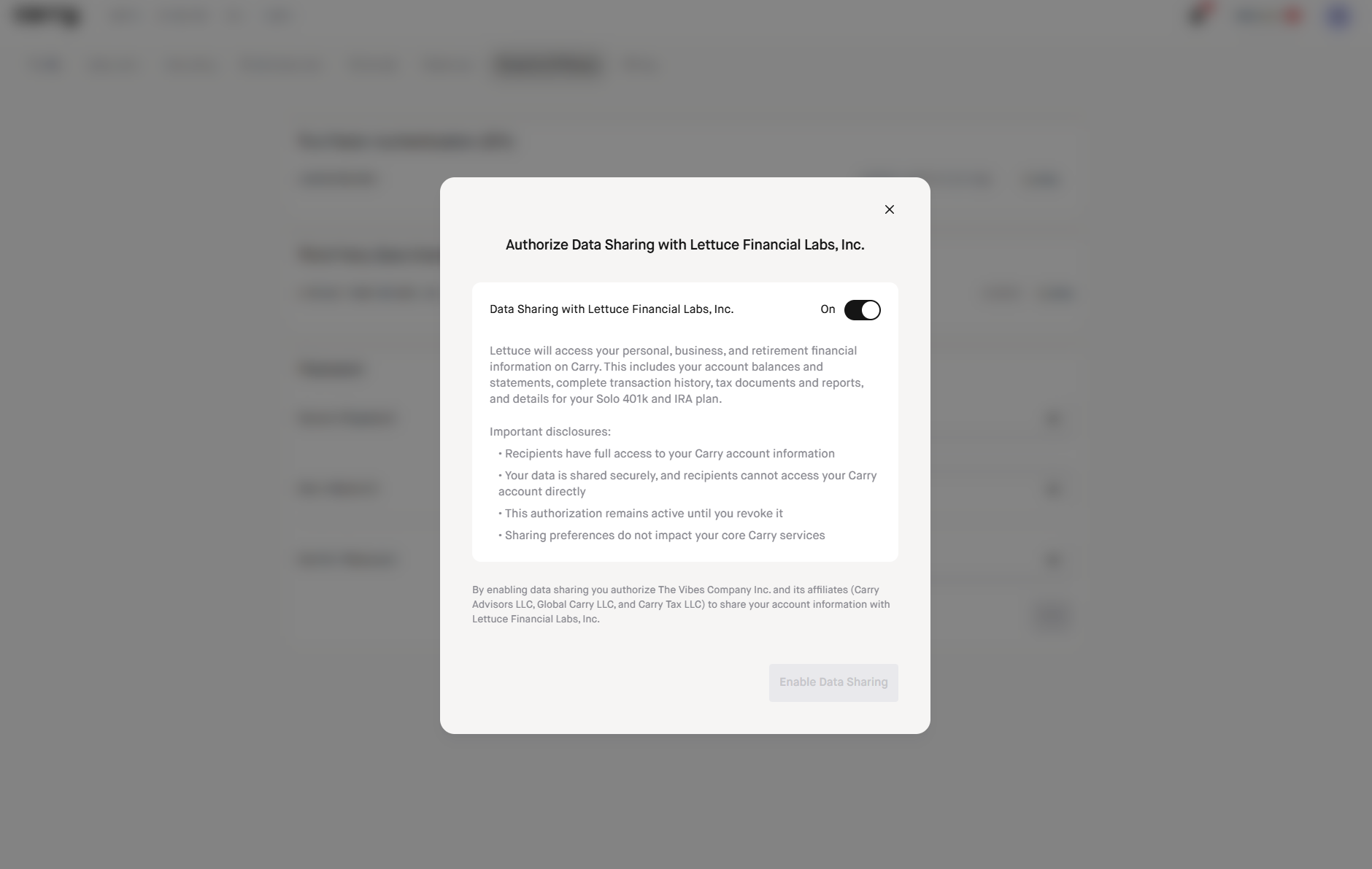
As a note, the sync typically runs on the first of every month so any transactions made during the current month will not be reflected until the following month in Lettuce.
For example, if you enable the data connection in May and have transactions after you enable the sync, on June 1 when the sync runs those May transactions that happened after you enabled the sync should be reflected to you on the Lettuce side.